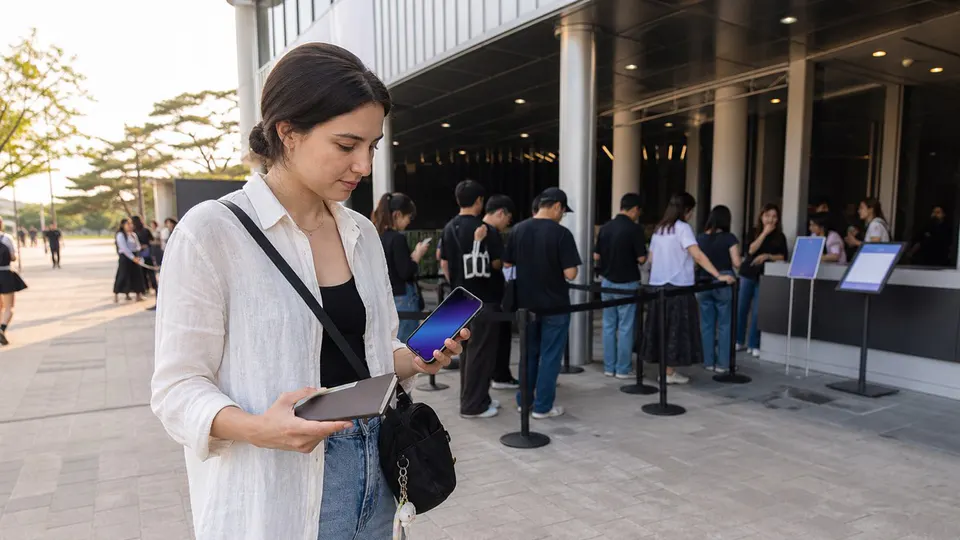
Korea concert ticket verification for foreign visitors
The four readiness results
The official seller and global route are confirmed, and you have completed every event-specific prerequisite.
Passport eKYC, fan-club verification, consent or an account-name correction remains.
The offer uses an unofficial seller, markup, proxy purchase, transferred identity or unverifiable promise.
The official sale ended, the route excludes your account type, or no public inventory is confirmed.
Run this check before the sale
- Start with the organizer notice. Confirm the event, date, venue and named seller. A social post or search result alone is not proof.
- Choose the correct channel. Domestic and global sites may use separate accounts, inventory and identity systems.
- Match the attendee name. Use the spelling and order shown on the physical passport when the notice requires it.
- Finish eKYC early. Selected YES24 and Ticketlink events require a foreign passport and face check; NOL World events may require verified-member status. The rule is event-specific.
- Complete fan-club steps in sequence. Membership, consent, presale application and ticket-platform verification can have different deadlines.
- Check quantity and companion rules. A two-ticket booking may still require the purchaser and companion to enter together.
- Read delivery and pickup rules. Mobile ticket, physical ticket and venue collection are not interchangeable.
Build one identity chain
Before paying, write down the exact name shown in each place: your passport, ticket-platform account, fan-club membership and presale application. Treat them as one chain. A nickname, shortened middle name, different Romanization or a booking made under a companion's account can break that chain even when every account belongs to a real person. Do not assume customer support can edit a purchaser name after payment.
Save the organizer notice, confirmation email and order number offline, but keep the barcode hidden. Bring the physical passport named by the current event notice; a photograph or photocopy may not be accepted. If the notice lists additional membership or purchase evidence, prepare that exact item rather than a substitute. Rules differ by event, so this checklist does not override the latest organizer notice.
Official platform differences
| Platform | What a foreign visitor should verify |
|---|---|
| NOL World | Use the global listing named by the organizer. Check passport verification, presale channel lock, mobile-ticket rules and purchaser entry. |
| YES24 Global | A separate global account may be required. Selected “Verified Member Only” events use physical foreign-passport and face verification; YES24 recommends completing it before sale day. |
| Ticketlink Global | Look for the verified-member badge, passport eKYC requirement, event fee, purchase limit and exact-name instructions. |
| Melon Ticket / Coupang Play / fan platforms | Do not assume a domestic app supports a visitor. Follow the organizer’s named global route, if one exists, and verify any Weverse, TOKTOQ or other membership-name match. |
At the box office or entrance
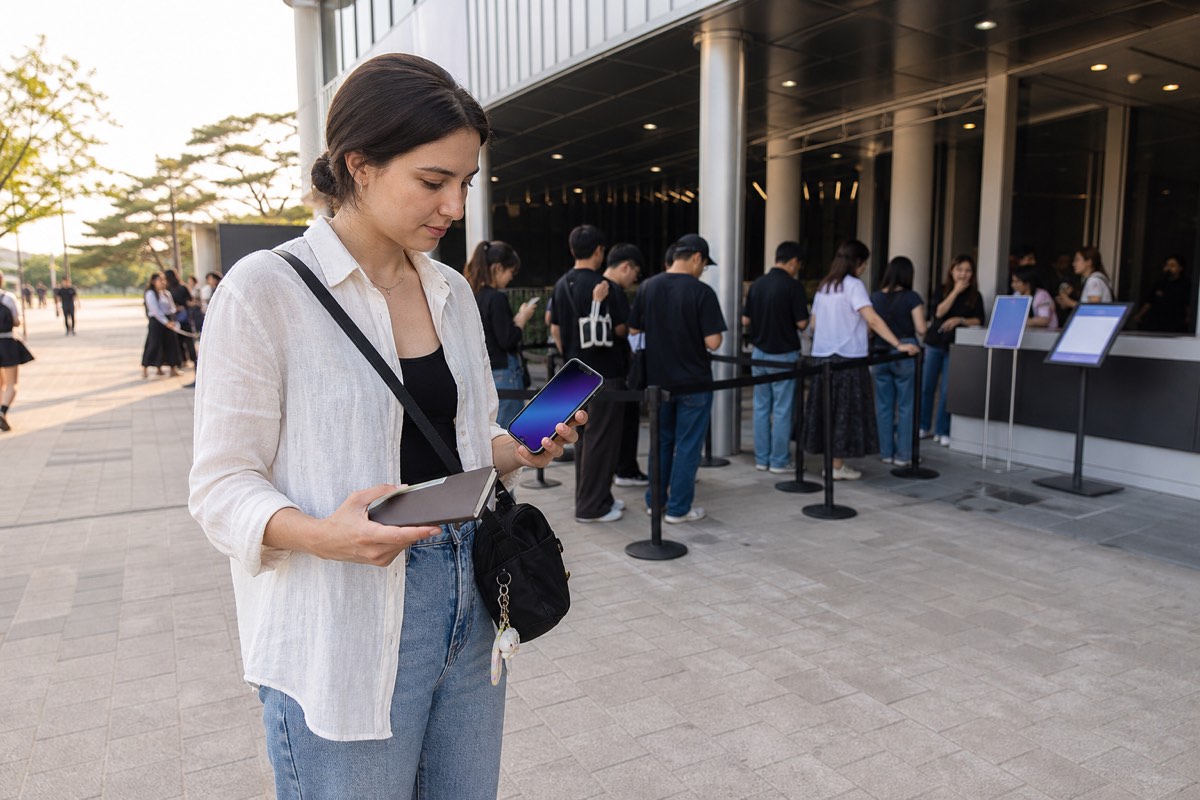
- Open the official ticket app or confirmation page before reaching the desk, and keep the screen brightness high.
- Have the physical identity document and any required membership screen ready, without exposing them to people in the queue.
- Use the event's official help desk if the ticket is missing, the account is locked or the displayed name differs. Security staff and unofficial sellers cannot repair an account record.
- Ask what can be corrected before accepting cancellation or leaving the venue. Record the desk name and instructions, not another visitor's personal details.
If the name or ticket status disagrees
Stop before attempting another purchase. First compare the organizer notice with the seller domain and order number. Then capture a privacy-safe screenshot that hides the barcode, passport number and payment details. Contact the official seller through the support route linked on its own domain and state the event, order number, account email and exact mismatch. Keep the support reply. If the seller says the record cannot be changed, do not rely on a reseller's promise that venue staff will ignore it.
A missing ticket does not automatically mean cancellation: issuance, mobile activation and venue pickup can happen at different times. Conversely, a screenshot that visually resembles a ticket does not prove transferability or entry rights. Only the current organizer and named seller can confirm the usable status.
Sold out does not have one meaning
- Closed: the official sale and cancellation period ended.
- Currently sold out: no inventory is visible, but official cancellations may return automatically.
- Additional seats pending: only use this label after an organizer announces them.
- Global sale not open: domestic inventory does not prove global availability.
- Lottery or winners only: this is not an ordinary public ticket sale.
Privacy-safe Koursea verification
A useful checker needs answers, not identity documents. It can ask whether the user has the official URL, the correct global account, matching passport name, completed eKYC, eligible membership and an accepted payment method. The answer should remain in the browser or be stored without passport numbers, images or facial data.
Official sources used
- YES24 Global verified-member FAQ
- Ticketlink global identity-verification notice
- NOL identity and official-channel example
- Korean Ministry of Culture anti-scalping policy update
Koursea method: platform rules establish what the seller can verify. Koursea translates those rules into an event-specific decision checklist and never guarantees inventory, admission or ticket authenticity outside the official seller.