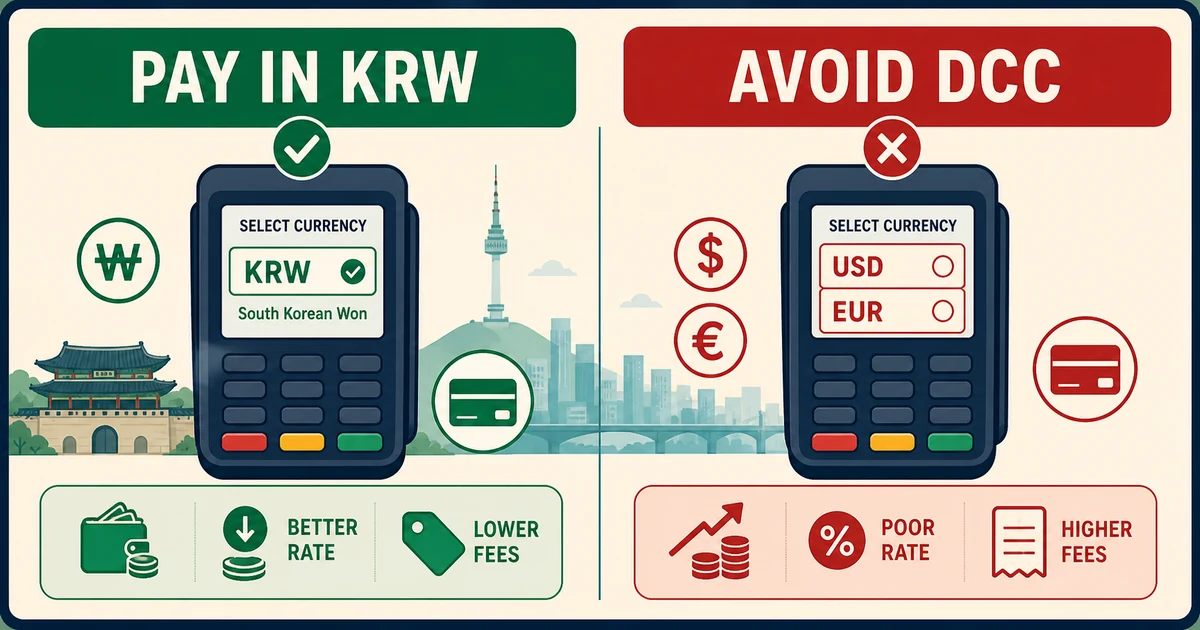
Recognize the DCC screen
DCC can appear on a terminal, kiosk, ATM or paper slip as “pay in USD/EUR” beside “pay in KRW.” The home-currency amount feels familiar but often embeds a less favorable rate or markup. Ask staff to cancel and rerun the transaction in Korean won if the choice was made without your consent.
Separate DCC from issuer fees
Choosing KRW avoids merchant-side currency conversion, but it does not eliminate a foreign-transaction fee charged by your card issuer. Check your card agreement before travel. The calculator compares an illustrative 3–8% DCC loss; it cannot know the actual terminal rate, network exchange rate or issuer fee.
Protect the receipt trail
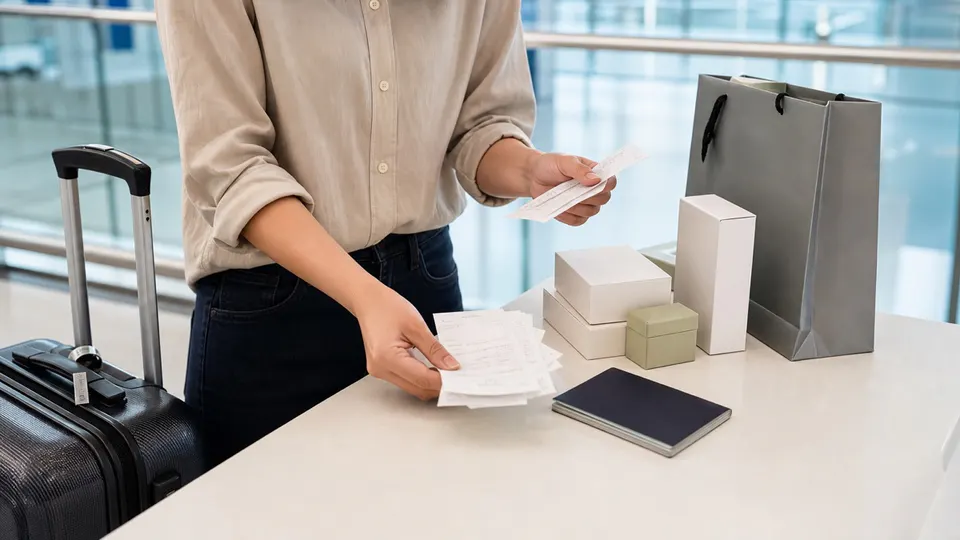
Before tapping or inserting, read the currency and total. Keep the receipt, especially if it shows a home-currency amount, exchange rate or DCC declaration. If an unwanted conversion remains, contact the merchant promptly and then your issuer with the KRW price, receipt and transaction record.
Use cash and ATMs carefully
ATM screens can also offer conversion. Decline the machine’s home-currency conversion and continue in KRW when your issuer supports it. Confirm local ATM access fees separately. At unattended kiosks, use another machine or staffed counter rather than accepting an unclear currency choice.
Verification checklist
- Use the official source: open the linked authority page again shortly before travel because law, eligibility, service and enforcement details can change.
- Keep evidence: save receipts, approvals, labels, screenshots and contact details offline.
- Ask when uncertain: declare goods or contact the responsible authority rather than relying on a calculator result.
Official sources
Time-sensitive details were checked against the original sources below on 2026-08-30.