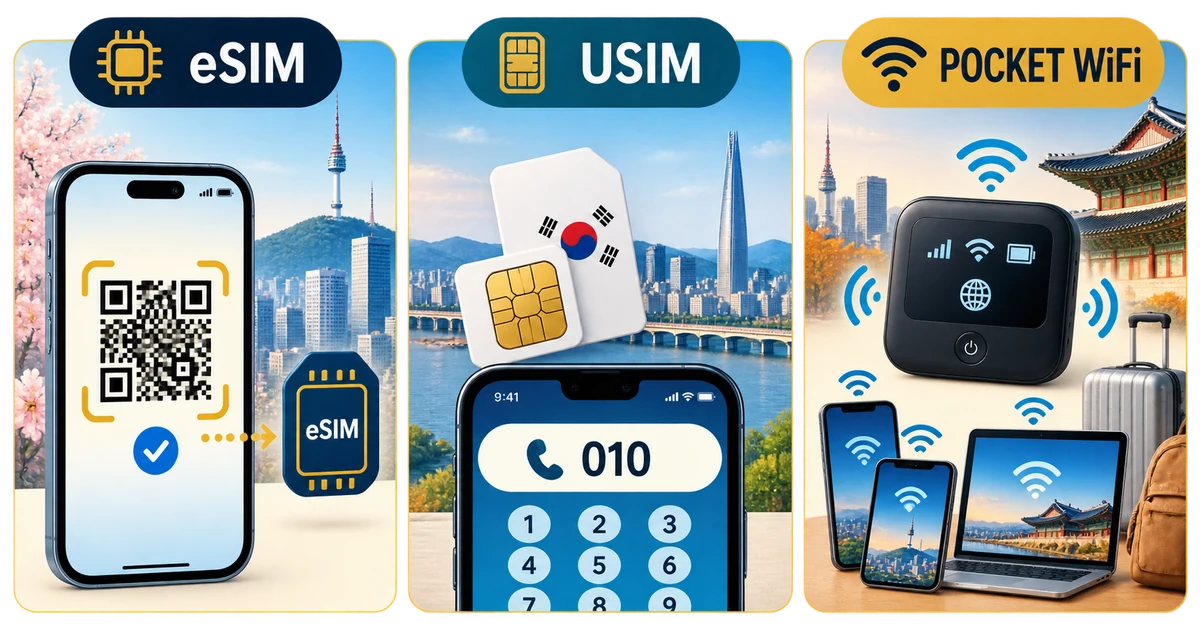

eSIM for the fastest arrival
An eSIM can be installed from a QR code before departure and activated after landing without removing the home SIM. Confirm the phone is unlocked and supports eSIM. Preserve the QR code, label the travel line, and disable roaming on the home line. Some plans restrict hotspot use or slow dramatically after a daily high-speed allowance.
Physical USIM for compatibility and calls
A physical tourist SIM works in many unlocked phones and can include a Korean 010 number, sometimes receive-only. That number may help restaurant waitlists or driver calls, but it does not guarantee PASS, banking or identity verification because tourist service is not linked to an ARC identity. Check voice, SMS and data inclusions.
Pocket WiFi for several devices
A rental router can share one connection among phones and laptops, often making sense for a family or work group that stays together. Every traveler depends on the person carrying it. Charge the router daily, carry a battery, understand loss fees, and return it at the contracted terminal or location.
Match the plan to the trip
Solo travelers with a compatible phone usually benefit from eSIM simplicity. Travelers needing local calls may prefer USIM. Groups and laptop-heavy trips may prefer a router. The matcher uses these preferences, but coverage, congestion and fair-use throttling vary by operator and location.
Verification checklist
- Use the official source: open the linked authority page again shortly before travel because law, eligibility, service and enforcement details can change.
- Keep evidence: save receipts, approvals, labels, screenshots and contact details offline.
- Ask when uncertain: declare goods or contact the responsible authority rather than relying on a calculator result.
Official sources
Time-sensitive details were checked against the original sources below on 2026-08-30.