Planning a trip to South Korea—or trying to access Korean services from abroad—quickly reveals a frustrating digital wall: the ARC (Alien Registration Card) and Korean phone-verification requirement.
Whether you are trying to join a Naver Cafe for K-pop updates, order delivery, or simply look up directions to a local restaurant, international visitors can hit barriers immediately. Here is why this happens, which official alternatives to use, and how to navigate more reliably with Korean map apps.
Quick rule: use official overseas identity-review routes where available, and search maps with a verified Korean business name or road address—not a guessed English spelling.
1. The ARC Wall: Why Korean Apps Keep Asking for an ID You Don’t Have
Many travelers and global fans encounter registration prompts demanding a Korean phone number or an Alien Registration Card. Korean account systems often connect identity checks to a locally registered mobile number, so a data-only travel SIM may provide internet access without unlocking every domestic account feature.
- Why it happens: real-name and mobile verification are widely used by Korean services to manage account security, fraud, and automated abuse.
- An official overseas route: when a Naver service offers foreign-user review, use the Naver Help Center’s overseas identity-verification process rather than borrowing another person’s number.
- Protect your documents: follow the help page’s current redaction instructions and submit only the fields explicitly requested. Review time and accepted documents can change.
Verification is service-specific: approval for one Naver feature does not guarantee access to every Korean booking, delivery, or payment app. For short trips, tourist-facing services and guest flows are usually more efficient than trying to reproduce a resident account setup.
2. The Navigation Wall: Why Your Naver Map Search Fails in English
Once you land in Seoul, the identity wall often becomes a navigation headache. Visitors commonly use Naver Map or Kakao Map for detailed local listings and routes. Then they search for a popular restaurant using its romanized English name—and get nothing.
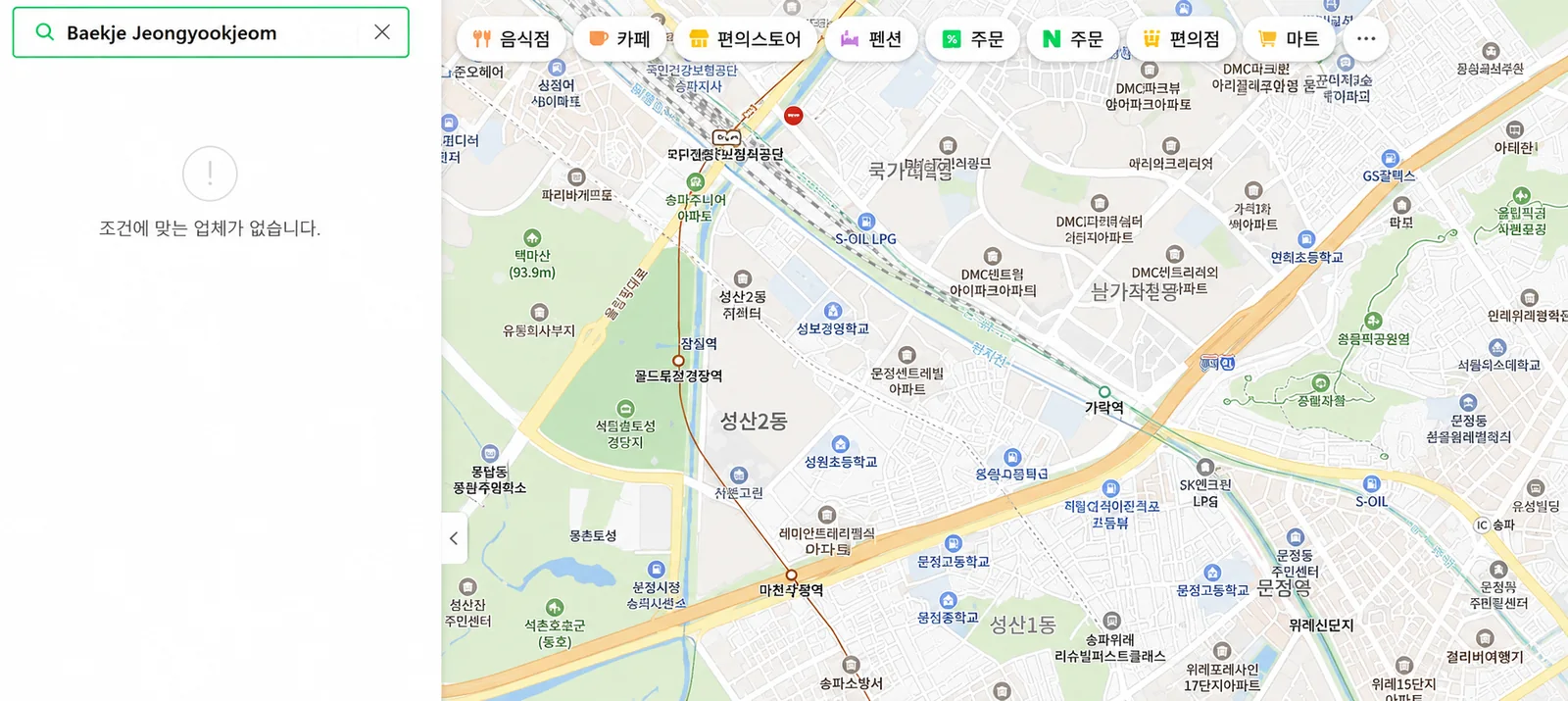
Why romanized English breaks
- Missing English listings. Many independent restaurants, salons, and boutiques only maintain their business information in Korean.
- Inconsistent spelling. Romanization can vary—Baekje versus Paekche, or tteokbokki versus topokki—while the listing database may recognize only one form.
- Branch ambiguity. Even a correct brand name may lead to the wrong branch unless you include the Korean neighborhood or road address.
Enter the native Hangul name—백제정육점—and the exact same restaurant appears with its listing and route tools.
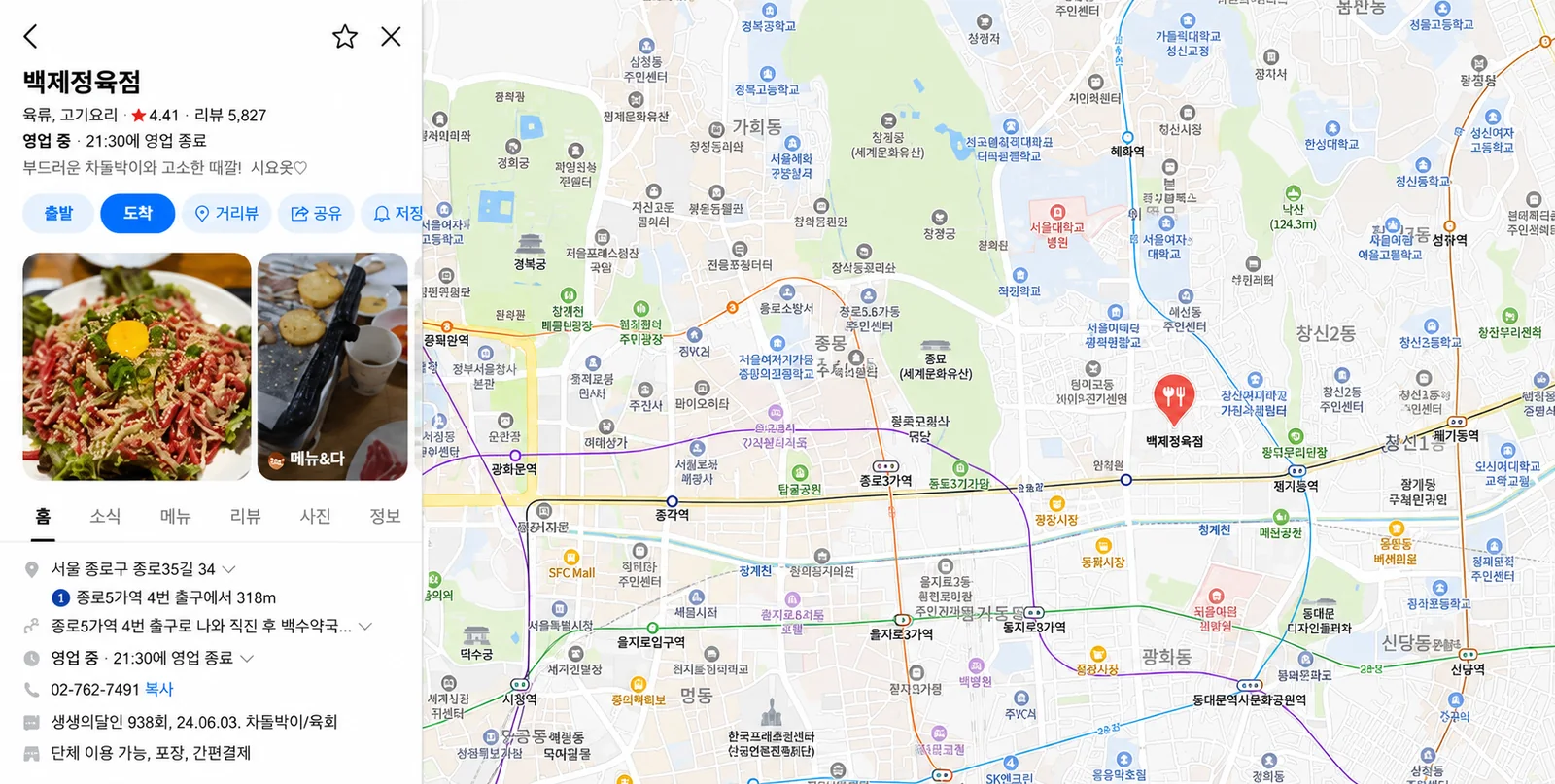
3. The Seamless Workaround: Deep Links & Show-to-Driver Cards
You do not need to spend your vacation copying Hangul from scattered social posts or risking a translation error. A reliable workflow starts with a curated listing whose Korean business name and road address have already been checked.
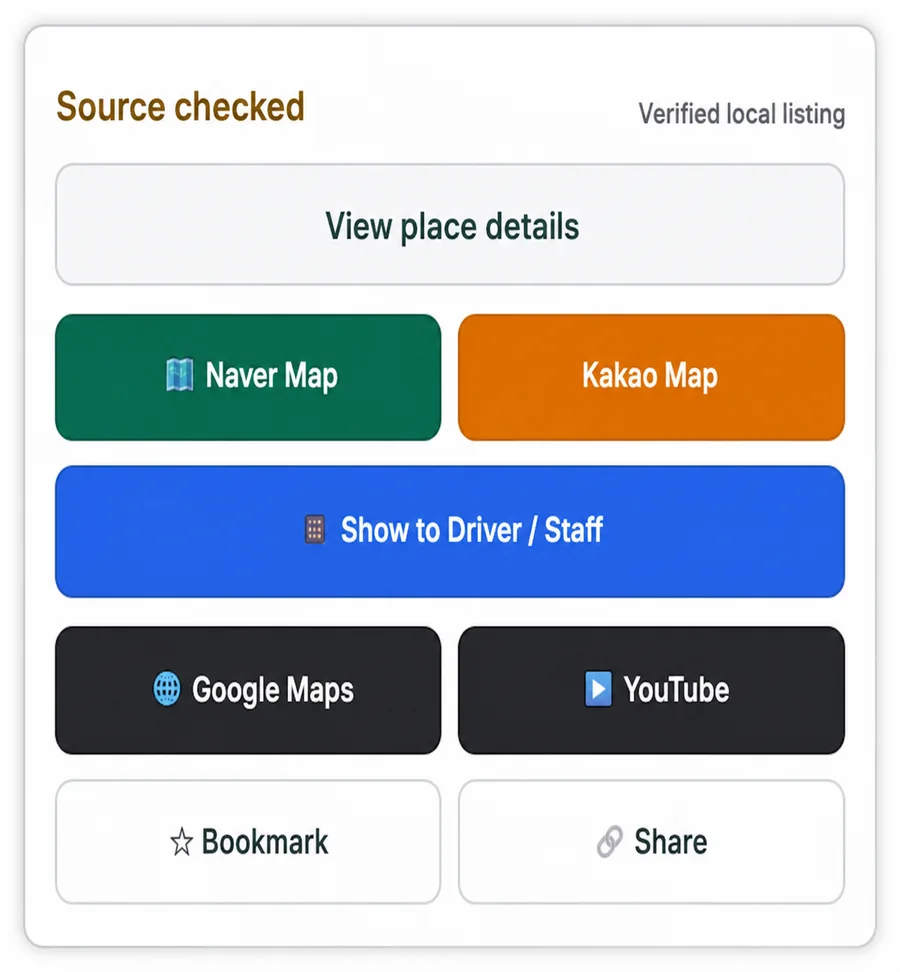
- One-tap deep linking: select Naver Map or Kakao Map to open the native service with a verified Korean search query—no manual romanization required.
- Show to Driver / Staff: open a full-screen, high-contrast card containing the Korean place name and road address for taxi drivers, station staff, or venue employees.
- Save before moving: bookmark the place and capture the Korean address while you still have stable Wi-Fi or mobile data.
Essential Takeaways for Traveling in Korea
- Do not panic when an app asks for an ARC; first check for an official passport-review path, guest mode, or tourist-specific alternative.
- Do not rely exclusively on phonetic English searches for local listings in Naver Map or Kakao Map.
- Use the verified Korean business name first, followed by the Korean road address and branch area.
- Bookmark critical destinations before your trip so you are not rebuilding a route under time pressure.
Skip the search-language guesswork
Explore verified Korea spots with native map links and Korean taxi cards on Koursea.