K-pop pop-up reservations in Seoul: a visitor checklist
Reservation systems vary
Official 2026 notices show several models: Weverse Spot reservations, Naver Booking, advance-only sessions, limited walk-in capacity and on-site queues. Never assume a previous artist's process applies to the next pop-up—even at the same department store.
Read three notices, not one poster
The announcement establishes that the pop-up exists. A reservation guide explains account, time-slot and companion rules. A merchandise or visitor guide can separately control stock limits, payment, photography and exchanges. Save all three when available and compare their update times. A later operational notice can change a detail without replacing the promotional poster.
Make one record containing the event title, organizer, exact venue, reservation platform, session time and latest official URL. This prevents a similarly named overseas pop-up, encore event or fan-made market from being mistaken for the Seoul event.
Prepare before reservations open
- Join the exact platform named by the official artist or organizer notice.
- Confirm your account email, age eligibility and identity spelling.
- Convert the opening timestamp to Korea Standard Time.
- Save the venue's Korean address and nearest station.
- Read the guest limit, weekly limit and cancellation rule.
The live QR rule
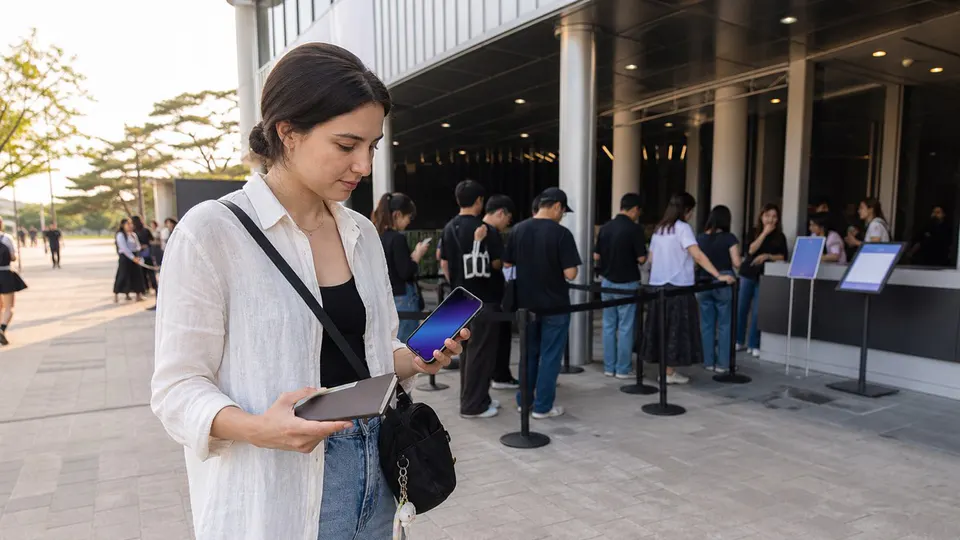
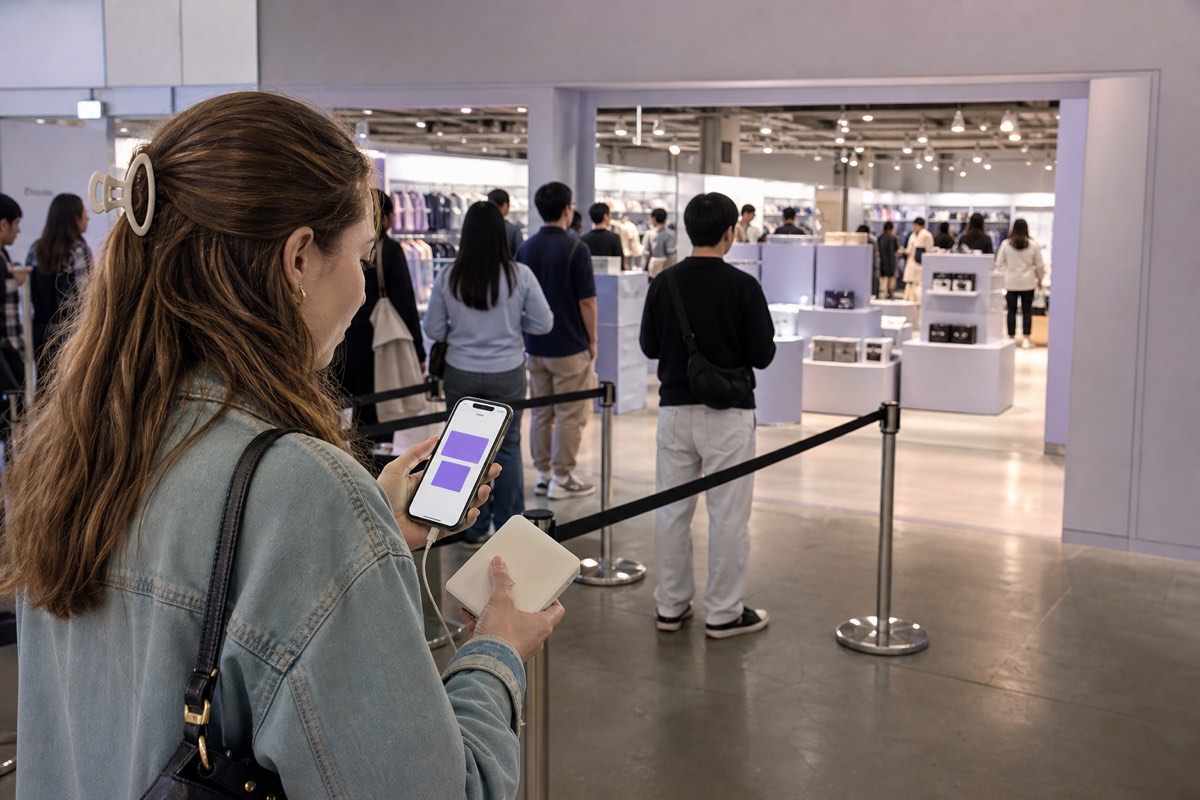
Several official notices required visitors to show the live QR inside Weverse or the booking service and rejected screenshots. Keep the app updated, maintain mobile data and charge your phone. Do not post the QR: it may function as your entry credential.
Treat the account as part of the ticket. Do not lend it to a proxy, share a one-time login code or let a reseller “check” the reservation. Verify the app publisher and open the reservation through the account's own menu rather than an unknown message link. If the live QR fails, show staff the official account and reservation status without exposing unrelated personal information.
ID, timing and companions
A booking can be restricted to the named visitor, one person per account or a particular age group. Foreign visitors may need a passport when the notice calls for identity verification. Some sessions ask visitors to arrive 10 or 20 minutes early, while arriving too early can create crowding and may be prohibited.
Your permitted stay may end with the original session even if entry is delayed or you arrive late. Re-entry is commonly prohibited. Build transport time around the reservation, not the store's general opening hours.
Run a reservation-day check
- Reopen the official notice and confirm the venue, session and entry method.
- Check that the reservation appears inside the required account.
- Carry the named visitor's accepted ID when identity matching is stated.
- Charge the phone and keep mobile data plus a battery backup.
- Map the exact entrance and arrive only within the organizer's requested window.
Save the reservation details offline for troubleshooting, but expect staff to require the live credential when the notice says so. A screenshot is evidence of your planning, not a replacement for a dynamic QR code.
If you miss, cancel or lose the slot
Open the official reservation service and read the event's cancellation and no-show rule. Do not assume a missed session can be moved, that staff can create another slot or that a canceled reservation immediately returns to inventory. If the account shows an error, record the exact message and time, then use the organizer's named support route.
A walk-in line is valid only when the current notice or on-site staff confirms it. A crowd near the venue does not prove same-day entry is available. Never pay someone for a queue position, wristband or screenshot unless the organizer explicitly permits a transferable method—and many controlled-entry pop-ups do not.
Plan accessibility before the slot
Pop-ups can involve standing queues, narrow merchandise areas and timed movement. Contact the organizer or venue early about step-free access, companion rules or other assistance. Do not assume that a general department-store accessibility page answers the pop-up's controlled-entry procedure.
Reservation does not guarantee merchandise
Official notices repeatedly warn that products can sell out before a reserved visit. Purchase limits can change with inventory. Check items and receipts in the designated area and read exchange conditions before leaving. Avoid unofficial sellers claiming that a fan-made queue number guarantees stock.
Check purchases before leaving
Count every item, compare variants and inspect visible damage in the designated checking area. Keep the receipt and read whether exchanges are handled at the venue, by the organizer or not at all after the pop-up ends. For large purchases, plan luggage space and confirm whether the venue restricts oversized bags inside.
Use photo zones without slowing the session
Confirm whether photography is allowed throughout the space or only at marked zones. Flash, tripods, live streaming or commercial equipment may have separate restrictions. Prepare the pose and camera before reaching the front, keep other visitors out of frame when possible and leave when staff ends the turn. A reservation grants timed access, not a private shoot.
Respect the controlled queue
A reservation time does not authorize blocking the entrance hours early. Follow staff lines, wristband instructions, photography zones and bag rules. Do not save places for an unregistered group or trade live credentials in the queue. If entry is delayed, ask how the session end time and purchase opportunity are affected before leaving the controlled area.