Weverse on-site pickup in Korea: a concert merch checklist
What the TWS notice demonstrated
For the ended 2026 TWS Seoul event, the official notice separated advance purchase with venue pickup from walk-up sales. It specified a venue-radius condition, a pickup reservation, a QR code in order history, booth location, payment methods and changing purchase limits. Those mechanics are useful preparation clues, not universal rules.
Build one account-to-pickup chain
Record the artist shop, store region, Weverse account email, order number, pickup date, session and booth. If the event also requires a concert ticket, membership or identity document, compare the names before purchase. A completed card charge under one account does not prove that another person's app, passport or ticket can collect the order.
Do not switch regional shops because a product looks available elsewhere unless the current notice says that region supports the Korean venue pickup. Currency, delivery and stock pages can look similar while the collection method is different.
Before the sale opens
- Update Weverse and sign in to the correct account.
- Confirm the artist shop and GLOBAL or other regional store named in the notice.
- Save a working foreign-card backup and enough available credit.
- Check whether the pickup reservation is selected before payment.
- Plan arrival by the pickup window, not only concert doors.
Protect the pickup QR code
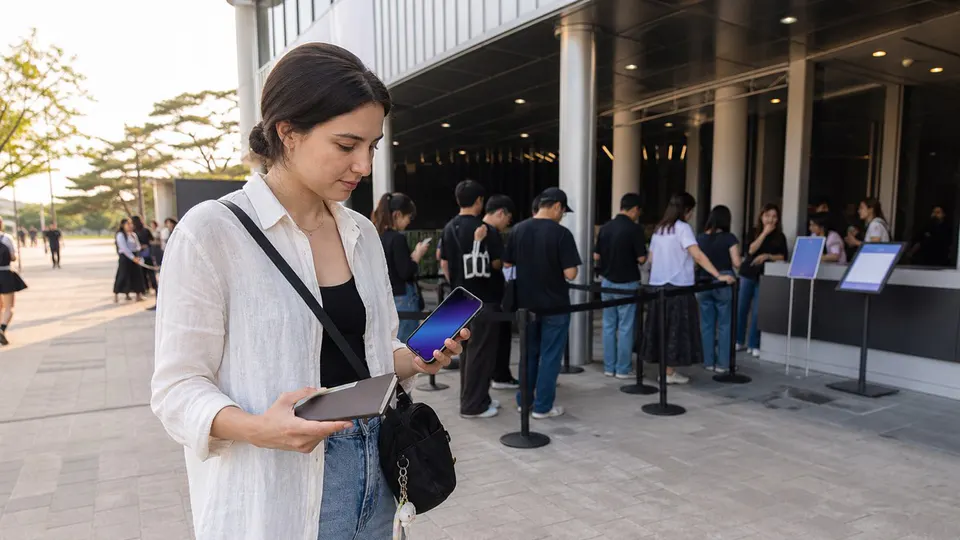
A pickup QR code can function like a claim credential. Do not post it in a story, screenshot exchange or public fan chat. Keep your phone charged and save only what the official flow permits. If identity documents are required, the name and accepted document must match the current notice.
Do not give a login code to a proxy who offers to “activate” the QR. Open the credential only inside the official app or account page. Reduce screen exposure in the queue and close it after collection. If a companion is involved, confirm whether that person may enter the booth or collect; friendship and physical possession of the phone do not override a named-purchaser rule.
Separate purchase, reservation and collection
Treat these as three confirmations. First verify that payment created a completed order. Then verify that the required pickup slot or method is attached. Finally, confirm the live collection credential and booth instructions. A card authorization, cart screenshot or queue number alone may not satisfy all three.
Save the order number, product list, pickup date and official support channel offline, but keep the QR or barcode private. If the account logs out, recover it through the official service rather than sharing credentials with a fan account.
Plan the booth visit around the concert
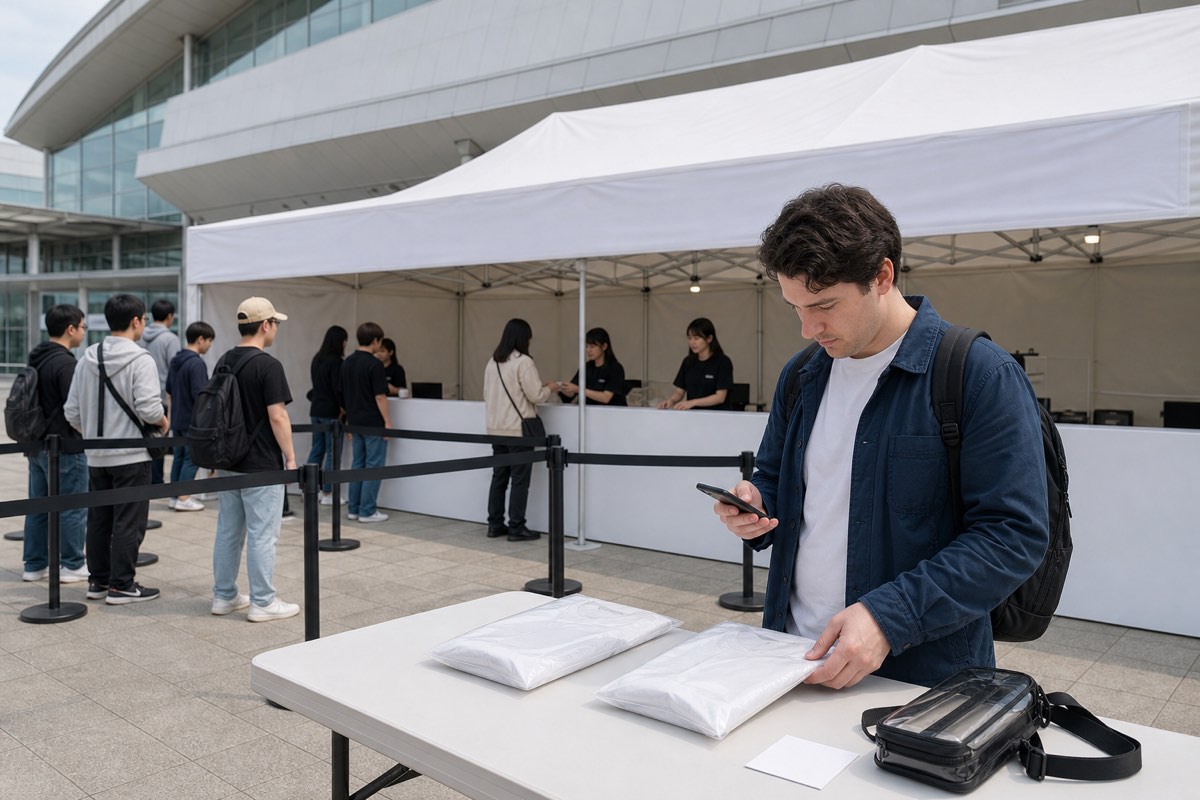
Allow time for venue security, transport queues, bag restrictions and walking between the merchandise booth and ticket entrance. A pickup slot close to showtime can fail even when the booth is on the same site. Map the exact booth and entrance, not merely the venue name.
Check the weather and booth rules before packing. Protect the phone and documents from rain, bring only bags the venue permits, and do not block public paths while waiting. Staff instructions and official queue markers take priority over fan-created lines or numbering.
Stock, exchanges and receipts
Pre-purchase does not remove every risk. Product limits can change, popular goods may sell out and exchange procedures may require the original receipt and payment method. Inspect the item at the designated area before leaving when the rules allow. Do not buy unofficial goods from a seller who implies venue authorization.
Inspect merchandise before the booth closes
- Count the units and compare product names, versions and sizes with the order page.
- Check visible dents, cracks, missing components and apparel labels in the organizer's designated inspection area.
- Keep packaging, receipt and payment record until the exchange window has passed.
- Ask which desk handles defects and whether the issue must be reported before leaving the venue.
Random inclusions are not normally defects merely because the member or design differs from the buyer's preference. Do not open sealed items beyond what the exchange rule permits. For oversized or fragile goods, confirm the concert's bag policy and plan storage before entering the audience area.
If the collection fails
- Check the account, store region, order status and pickup slot.
- Show staff the official order page without exposing the QR to bystanders.
- Record the booth response and support case before leaving.
- Do not buy the same item again until the first payment and refund status are clear.
- Follow the notice's uncollected-order policy rather than assuming delivery or automatic refund.
If you cannot attend the pickup
Check the order's cancellation deadline and uncollected-order rule before the collection window, not after it closes. Do not assume the item will be mailed, transferred to another date or refunded automatically. If the app offers cancellation, review the amount and payment method before confirming; a payment reversal can take a different time from the app status.
Use Weverse Shop support or the organizer channel named in the notice and include the order number without sending the QR publicly. A fan-to-fan transfer is unsafe when the event requires the purchaser's account, ticket or identity.
A future-event checklist
- Current official artist notice—not an old screenshot
- Correct store region and account
- Venue-radius requirement
- Purchase and pickup windows
- Reservation slot and booth location
- QR, ID and ticket requirements
- Payment, limits, exchange and sold-out rules