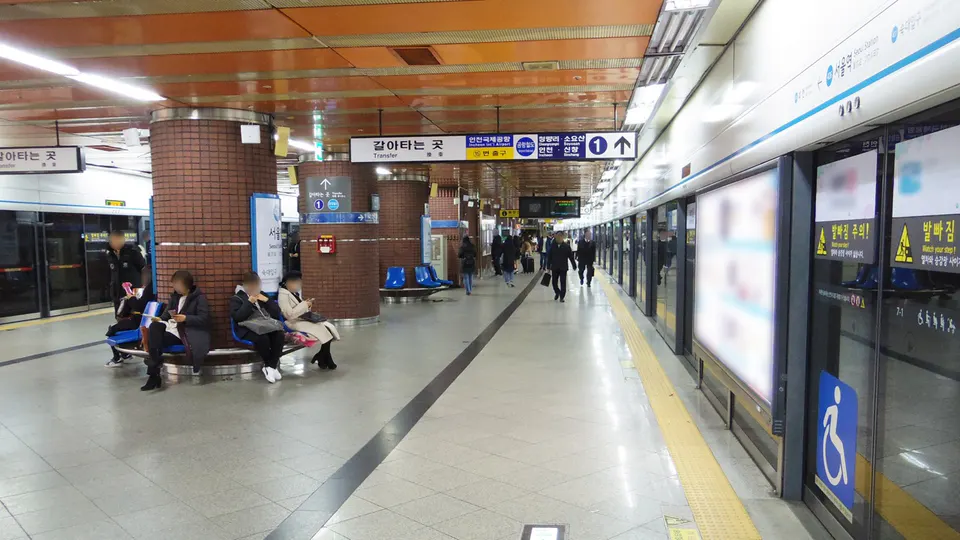
How to call a taxi in Korea as a foreign visitor
Published August 22, 2026 · Reviewed August 27, 2026 · App coverage and payment support can change
- Key point: Test account access, pickup pin, Korean destination and payment method before an urgent ride.
- Price: Read whether the display is an estimate or final charge and check tolls, call fees, vehicle class and night surcharges.
- Tip: Match the plate and vehicle in the app, carry a backup card or cash and use designated airport pickup areas.
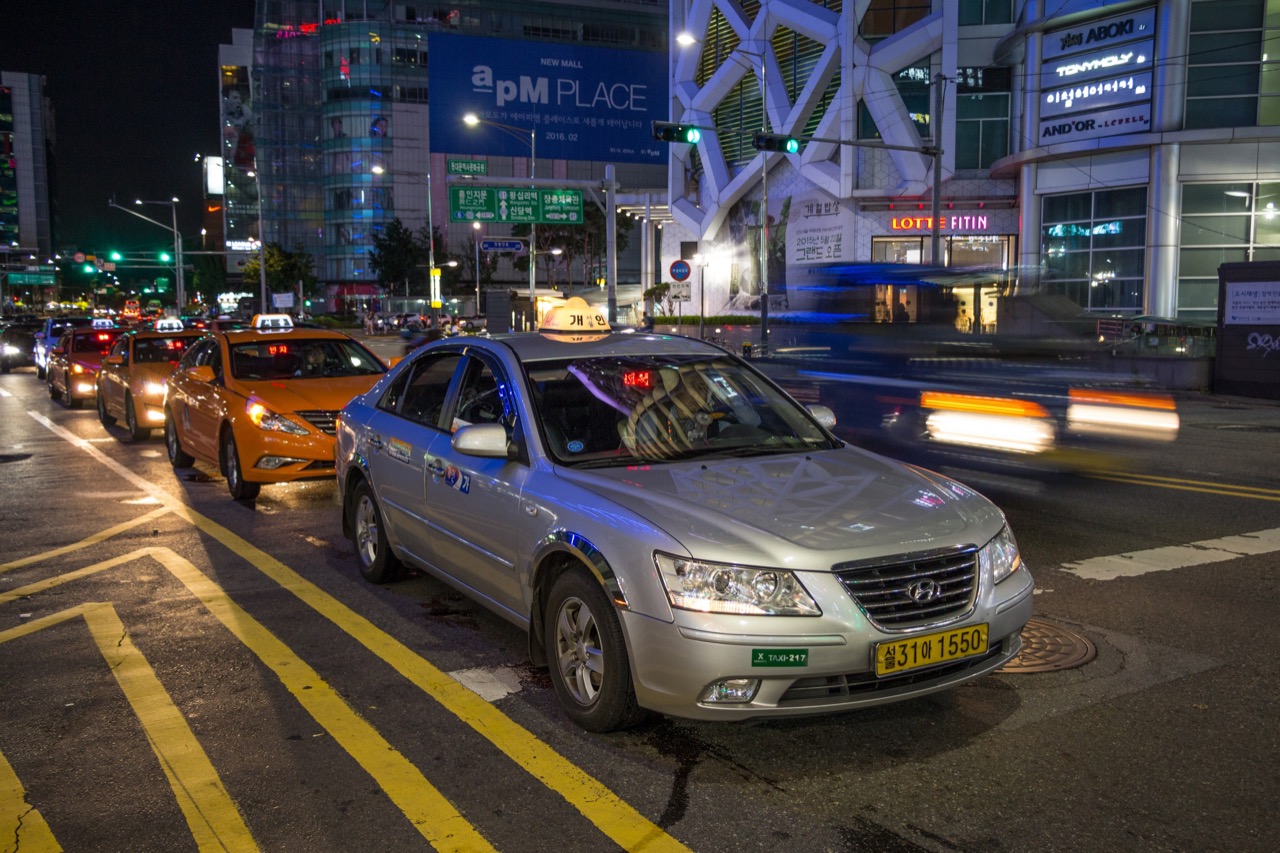
Quick app comparison
| Option | Visitor-relevant feature | Check before relying on it |
|---|---|---|
| k.ride | Google or Apple social login, overseas-card registration, English/Japanese/Chinese | Current service area, card acceptance and final payment method |
| Uber Taxi | Existing Uber app and stored payment may work; translated messaging | Vehicle availability and fare at your pickup point |
| TADA | International number signup and card payment described by VISITKOREA | Coverage, vehicle choice and reservation price |
| TABA | Tourist-focused signup, multilingual interface and estimated fare | Operating city, dispatch availability and supported card |
This table is a selection aid, not an endorsement. Test account access, destination search and payment before a late-night trip.
Already use Kakao T? Pay the driver directly
A foreign visitor who already has a working Kakao account can use Kakao T in Korea. Enter the pickup and destination, choose an available taxi type, and select Pay to the driver when that option appears. After the ride, pay through the taxi's terminal with an accepted card, cash or Tmoney rather than registering an in-app payment method.
- Open Kakao T and confirm that the pickup pin is on a legal stopping point.
- Search the exact Korean destination address and check the district or map position.
- Choose an available taxi type and look for Pay to the driver on the payment screen.
- Confirm the request, then match the plate and vehicle details before boarding.
- At arrival, check the metered amount and pay using a method accepted by the taxi terminal.
The direct-payment choice may not appear for every vehicle class or service. Do not complete a booking on the assumption that payment can be changed later. If Kakao account verification or the required payment option is unavailable, use a visitor-oriented alternative such as k.ride or Uber Taxi, or go to an official taxi stand.
Run a pre-ride test
- Sign in and complete only the verification required by the official app.
- Search the accommodation's Korean address and confirm the map result.
- Add a supported card or identify the in-car payment option.
- Check that location permission works while standing outside.
- Save a second app and an official taxi-stand fallback.
Do this during the day with stable data, not for the first time after the subway closes. Never share a login code or let an unofficial helper control the account.
Set the pickup pin carefully
A taxi cannot safely stop everywhere the map allows a pin. Move to a legal, visible pickup point away from bus stops, intersections and stadium traffic controls. At a large station, airport or mall, use the named gate or official taxi stand. Compare the driver's plate and vehicle details with the app before boarding.
Describe the pickup so the driver can find you
Use the named exit, gate or building entrance shown on official signs. If the app offers translated chat, send a short landmark rather than a long travel story. Stay at the selected point and watch the vehicle approach; moving across a large intersection after dispatch can cause a missed pickup.
If the driver calls and communication fails, use the app's text or translation features. Do not send passport information, room numbers or unrelated personal data.
Enter the destination in Korean
Save the exact Korean address and building name. A neighborhood name, hotel brand or romanized spelling can return several branches. After choosing the result, compare its district and map location with the official accommodation or venue listing. Keep the Korean address offline in case mobile data fails.
Match the dispatch before boarding
- Plate number and vehicle color or model
- App or company name
- Pickup point and intended destination
- Vehicle class and number of passengers
- Payment method shown in the booking
Ask the driver to confirm the destination, but do not rely only on a person calling out your name. At an airport or event, compare the vehicle details in the app and use the controlled pickup zone.
Understand the fare screen
The displayed figure may be an estimate based on traffic, a preauthorized amount or the final charge depending on the service. Tolls, call fees, premium vehicle classes and late-night surcharges can affect the total. Read the selected vehicle type before confirming. If paying in the vehicle, ask for a receipt and check the terminal amount in Korean won.
Airport and large-luggage rides
A standard sedan may not fit several passengers plus large suitcases. Choose a larger vehicle only when the app describes it clearly, or reserve an official airport transfer. Confirm terminal number, flight arrival time, waiting policy and cancellation terms. Do not assume “airport taxi” means a fixed fare.
Avoid duplicate dispatches
Calling several apps at once can send multiple drivers and create cancellation fees. Request one ride, wait through its stated matching period and cancel through the official interface before switching. Preserve the cancellation screen if the status is unclear.
When dispatch fails
- Check whether the pin is on a restricted road or crowded event exit.
- Walk to a designated taxi stand or safer main-road pickup.
- Try the second app rather than submitting many simultaneous calls.
- Cancel duplicate requests through the app and review any fee.
- Use 1330 for non-emergency travel-language help; call 112 for immediate police assistance.
At the end of the ride
Check the final KRW amount, payment status and receipt before leaving. Look across the seat and trunk for phones and bags, then record the plate or trip reference if the app does not retain it clearly. Report a lost item or billing issue through the official trip record, not a phone number from an unsolicited message.
Ride safety
Confirm the plate and car before entering, sit where you feel comfortable and keep your belongings together. Share the app trip status with someone you trust when appropriate. Do not reveal your room number or travel schedule to a stranger. If the route appears surprising, first compare it with live traffic and toll settings; ask through translated chat rather than escalating over an unfamiliar road.
If payment or fare is disputed
- Keep the trip record, route, receipt and card alert.
- Distinguish an estimate, temporary authorization and final charge.
- Use the app or taxi company's official support channel.
- Contact the card issuer if an unexplained charge remains after operator review.
- Use police assistance for immediate threats, not ordinary price questions.
Taxi questions for Seoul visitors
How can a foreign visitor call a taxi in Seoul?
Use a verified ride-hailing app that accepts your signup and payment method, or go to an official taxi stand. Save the exact Korean destination address and confirm the plate before boarding.
Can tourists call a taxi in Korea without a Korean phone number?
Yes. Current visitor-oriented services can support overseas numbers or social login and foreign cards, but availability and verification vary.
Should I pay in the app or to the driver?
Use the option clearly shown by the app. Confirm whether the displayed amount is an estimate, prepayment or final metered fare.
What should I do when a taxi app cannot find a ride in Seoul?
Move to a legal, visible pickup point or official taxi stand, then try one backup app after cancelling the first request. Avoid creating duplicate dispatches.
Official sources
Continue: Airport to Seoul · Late-night arrival · Translation help · All transport guides · Ask a transport question