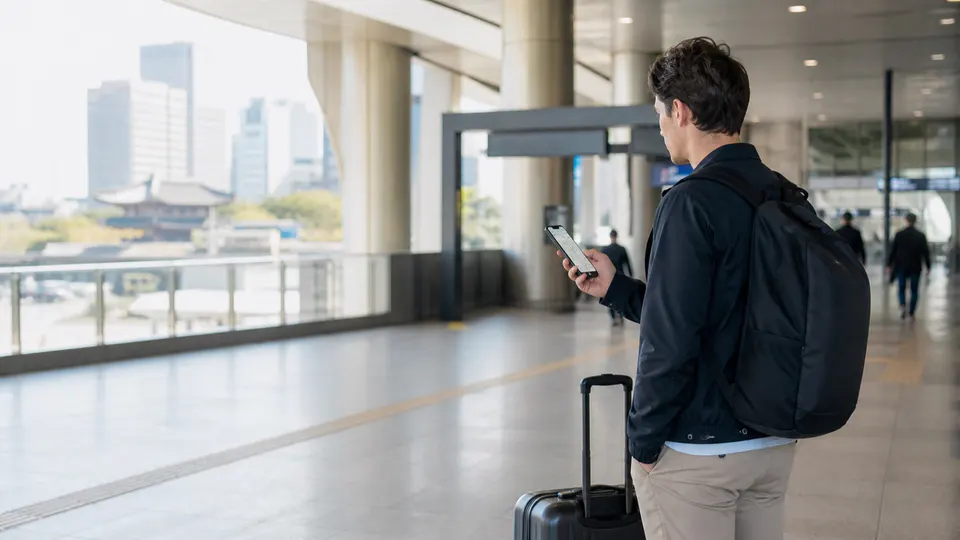
Plan from a verified location
Papago supports translation, Naver Map helps local navigation and Kakao T can request licensed taxis. Baedal Minjok is a major food-delivery service but can require Korean-language, phone, address or payment flows that are not reliably accessible to every visitor.
Before leaving, save the exact Korean address, nearest transit exit and a street-level image. Recheck opening hours, closure day, last admission and reservation cutoff on the official channel. A map listing, old blog price or viral video is not a guarantee. Build a nearby alternative so a sold-out product or private event does not waste the journey.
Use this order
- Install and update apps on trusted Wi-Fi before travel.
- Save hotel and key destinations in Korean in Naver Map.
- Test Papago text, voice and image modes without exposing sensitive documents.
- Prepare taxi and food alternatives if account or payment verification fails.
Handle price and payment
Compare the complete Korean-won total, including deposits, booking fees, required purchases, equipment or optional services. Ask whether an overseas card works before committing, carry a small Korean-won backup and keep the receipt. Decline dynamic currency conversion unless you intentionally prefer it. Read cancellation, exchange and no-show terms before removing tags, activating a pass or entering a timed service.
Practical visitor tips
- Keep screenshots of addresses for offline use.
- Check permissions and disable unnecessary location access.
- Use hotel staff, direct restaurant pickup or convenience stores when delivery is blocked.
Important caution: An app listing is not proof a business is open. Confirm critical transport, medical and reservation facts with the official operator.
Allow extra time for queues, stairs, weather and crowded transit. Follow staff, barriers and current signs when they conflict with an older post. Protect passports and valuables, avoid blocking residents or working businesses, and use only official payment pages. If accessibility matters, confirm elevators, seating and toilets directly rather than assuming a modern-looking venue is step-free.
Official sources
Time-sensitive details were checked against the original sources below on 2026-08-28.