- Key point: Use verified public SSIDs at airports, stations and participating city locations, then confirm the captive portal or secure profile.
- Price: Public Wi-Fi is free but coverage and stability are not guaranteed, so compare a SIM, eSIM or pocket Wi-Fi backup for critical access.
- Tip: Avoid banking or sensitive logins on open networks and save maps, addresses and tickets offline.
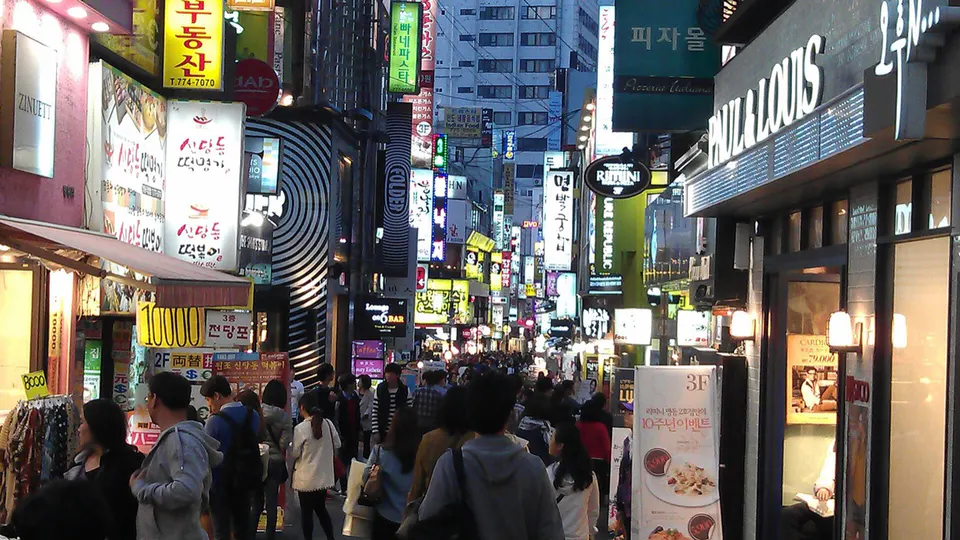
Where to look first
The Korea Tourism Organization says free public Wi-Fi is available at places such as airports, subway stations, train stations and some bus stops. Major-city cafés, restaurants and accommodations often have Wi-Fi too, but a private venue may reserve it for paying customers or guests.
In Seoul, the city operates public access across buses, bus stops, parks, traditional markets and public facilities. Look for an official sticker or posted network name close to where you are standing; do not assume every similarly named signal belongs to the venue.
Connect in Seoul, step by step
- Open your phone’s Wi-Fi settings only after you see an official Seoul public Wi-Fi sign or can confirm the network with staff.
- Choose SEOUL/Public Wifi Free for general access or SEOUL_Secure/Public WiFi Secure for secured access. Seoul currently publishes seoul as both the ID and password for the secure network.
- If a sign-in page appears, read the domain and requested permissions before continuing. Do not install an unknown profile, certificate or app.
- Open one low-risk page, such as a map or official transport page, to confirm the connection works before depending on it.
- When finished, forget the network or disable auto-join, especially if you used the general-access network.
Allow roughly one to three minutes for a normal connection and five to ten minutes if you must locate a sign, trigger a sign-in page or ask staff. These are planning estimates, not official service guarantees.
Cost, coverage and practical limits
- Public-network cost: ₩0. Seoul’s named municipal networks are free. Private cafés or hotels can require a purchase, room booking or password.
- Coverage: Strongest as a travel fallback in major transport and visitor areas. KTO specifically warns that reliable Wi-Fi is not available in every region.
- Speed: Not guaranteed. Distance, walls, crowding, maintenance and the number of connected users can all affect whether a visible network is usable.
- Continuity: Expect to reconnect as you move. Public Wi-Fi is a poor fit for live navigation, a video call, a mobile ticket that must reload or an urgent same-day booking change.
- Private venues: Ask before sitting down solely to use Wi-Fi. Passwords, purchase requirements, hours and time limits are set by each business.
Keep sensitive tasks off public Wi-Fi
- Confirm the exact SSID from an official sign; a familiar-looking name can be copied.
- Avoid banking, card changes, password resets and passport or identity-document uploads.
- Prefer encrypted websites and your mobile carrier connection for payment or account recovery.
- Disable file sharing and automatic joining. Keep your operating system and browser updated.
- If a portal asks for excessive personal information or a new certificate, disconnect.
If the network appears but does not work
- Move closer to the posted access point and turn Wi-Fi off and on once.
- Forget the network, reconnect and open a browser to check whether a sign-in page was waiting.
- Recheck the exact SSID. In Seoul, try the other published public option only if it is also shown at that location.
- Ask station, airport, hotel or café staff whether the network is down or customer-only.
- Stop after a few minutes. Use your saved hotel address, screenshots, offline map and reservations; then switch to eSIM, SIM or roaming data when a deadline or safety issue is involved.
If you have Wi-Fi but need visitor help, the Korea Tourism Organization’s 1330 Travel Helpline offers an online call and chat. Save the page before your trip so you do not need to search for it while disconnected.
Frequently asked questions
Is public Wi-Fi free in Korea?
Government public Wi-Fi is free. A café, hotel or other private venue may limit access to customers or guests.
Which Seoul network should I choose?
Use only a network confirmed by official signage. Seoul currently publishes SEOUL/Public Wifi Free for general access and SEOUL_Secure/Public WiFi Secure for secured access, with seoul as both ID and password for the secure option.
Can I travel using only free Wi-Fi?
It may cover occasional checks in major public areas, but it is not dependable enough for continuous navigation or rural travel. KTO recommends considering a SIM depending on your destination.
What if the network will not connect?
Confirm the name, move closer, forget and rejoin, and check for a sign-in page. If it still fails, use offline information or mobile data instead of entering credentials into an unknown portal.
Official sources
Time-sensitive details were checked against the original sources below on 2026-08-28.