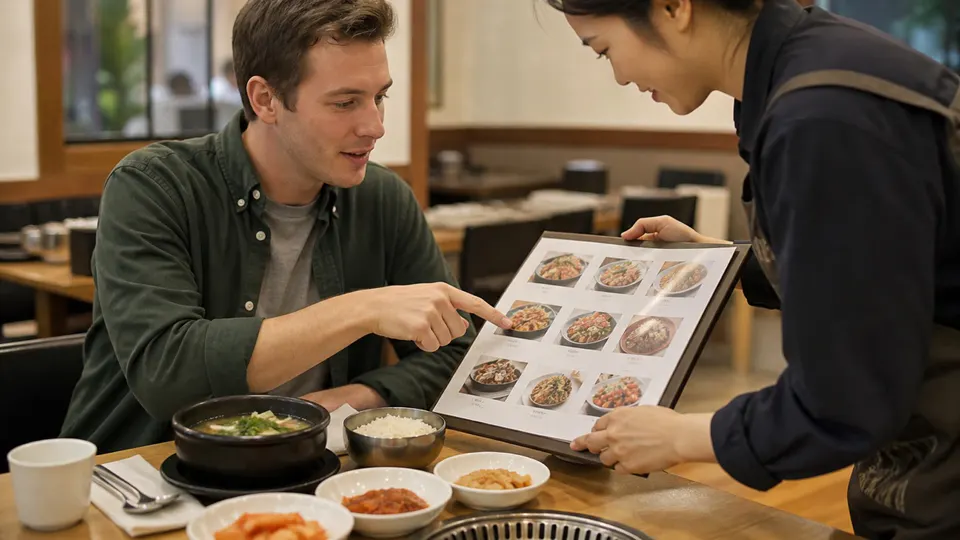
How to order at a Korean cafe
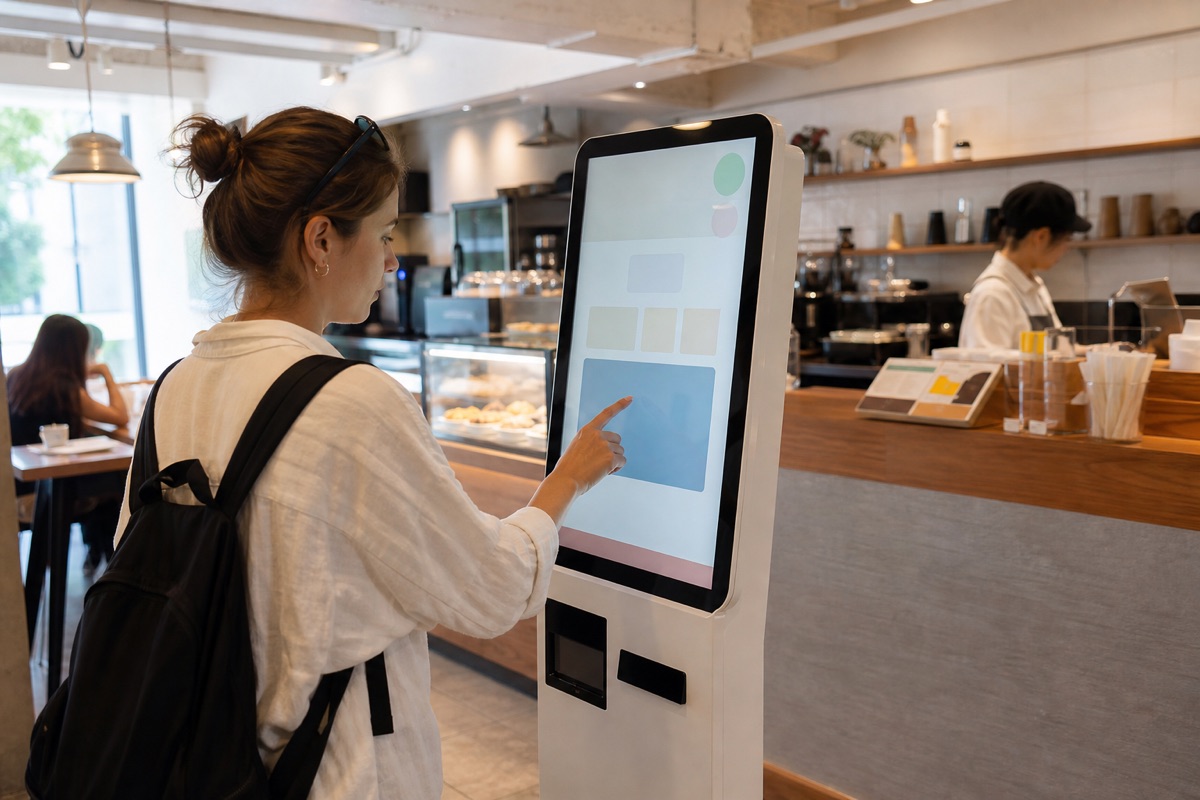
Counter or kiosk?
Some cafes take orders at a staffed counter; others direct customers to a touchscreen, table QR code or app. Look for an English-language button, but expect parts of a kiosk to remain Korean. If payment fails or an allergy question is unclear, move to the counter instead of repeatedly submitting the order.
1. 매장 (dine in) or 포장 (takeout)
2. beverage category and item
3. HOT or ICE
4. size and add-ons
5. quantity and cart
6. payment, receipt and order number
Temperature is often a separate choice
An Americano, latte or tea may appear as separate hot and iced products. Do not assume the barista will ask after payment. Some drinks are available in only one temperature or one size. “Regular” is not a universal volume because brands use different naming systems.
Read the options carefully
Kiosks may offer extra shots, syrup, whipped cream, milk alternatives, decaf, reduced ice or drink carriers. Availability, price and allergen handling differ by shop. A milk alternative does not make a drink allergy-safe when pitchers, steam wands or blenders are shared. For medical allergies, use the separate food allergy checklist.
Pay and find your pickup
Foreign cards usually work at many cafes but can fail at a particular unmanned terminal. Keep a backup card and some won. After payment, look for a printed number, nickname request, vibrating pager or pickup display. Drinks and bakery items may be collected at different counters. Return trays and separate waste where signs indicate.
Dine-in, takeout and seating
Select the option you will actually use because packaging and store procedures can differ. A seat may be shared space, not automatically reserved by placing an item on it. During busy periods, avoid occupying a large table alone and follow posted time or one-drink-per-person rules. Do not leave valuables unattended while ordering.
Check the cart before paying
The cart is the safest place to catch a duplicate tap, wrong temperature or unwanted option. Confirm the item count, cup size, pickup method and total price. If the screen returns to the menu after a delay, inspect the cart before starting again; the first item may still be there.
At an unmanned kiosk, wait for a clear approval or failure message before inserting another card. Keep the receipt until every drink and bakery item has been collected. If a payment appears on your banking app but the kiosk prints no order, show staff the time and amount instead of paying again immediately.
How pickup actually works
Large cafes may use a digital order board with separate “preparing” and “ready” columns. Small shops may call the drink name, a nickname or the last digits of a number. Stand close enough to hear without blocking the counter, and compare the cup label with the receipt before leaving.
For multiple drinks, count the items and check hot lids, carriers and straws at the handoff point. Delivery and mobile-app orders can share the same counter, so the first similar-looking drink is not necessarily yours.
Plan for closing-time differences
The posted store closing time does not guarantee that every menu item, upper-floor seat or dine-in service remains available until that minute. Kitchens and bakery counters may stop earlier. For a late visit, confirm the final order time and choose takeout if staff are closing the seating area.
Fast recovery when the screen is only Korean
- Photograph the screen before the timeout and use camera translation away from the queue.
- Match the drink image and Korean name with the printed menu.
- Look for 이전 (back), 장바구니 (cart), 결제 (payment) and 취소 (cancel).
- If the choice affects ingredients or payment, ask staff rather than guessing.
- Restart only after checking that no payment or order was completed.
Useful Korean phrases
- 아이스 아메리카노 한 잔 주세요. — One iced Americano, please.
- 매장에서 먹을게요. — I’ll have it here.
- 포장해 주세요. — Please make it to go.
- 이 번호 어디에서 받아요? — Where do I pick up this order number?
- 우유가 들어가나요? — Does it contain milk?
Official sources
- VISITKOREA: restaurant self-service and kiosk basics
- VISITKOREA: convenience-store cafe machine example
Koursea method: official tourism material confirms the growing self-service context. Koursea’s ordered decision flow is original visitor guidance and does not claim every cafe uses the same interface.